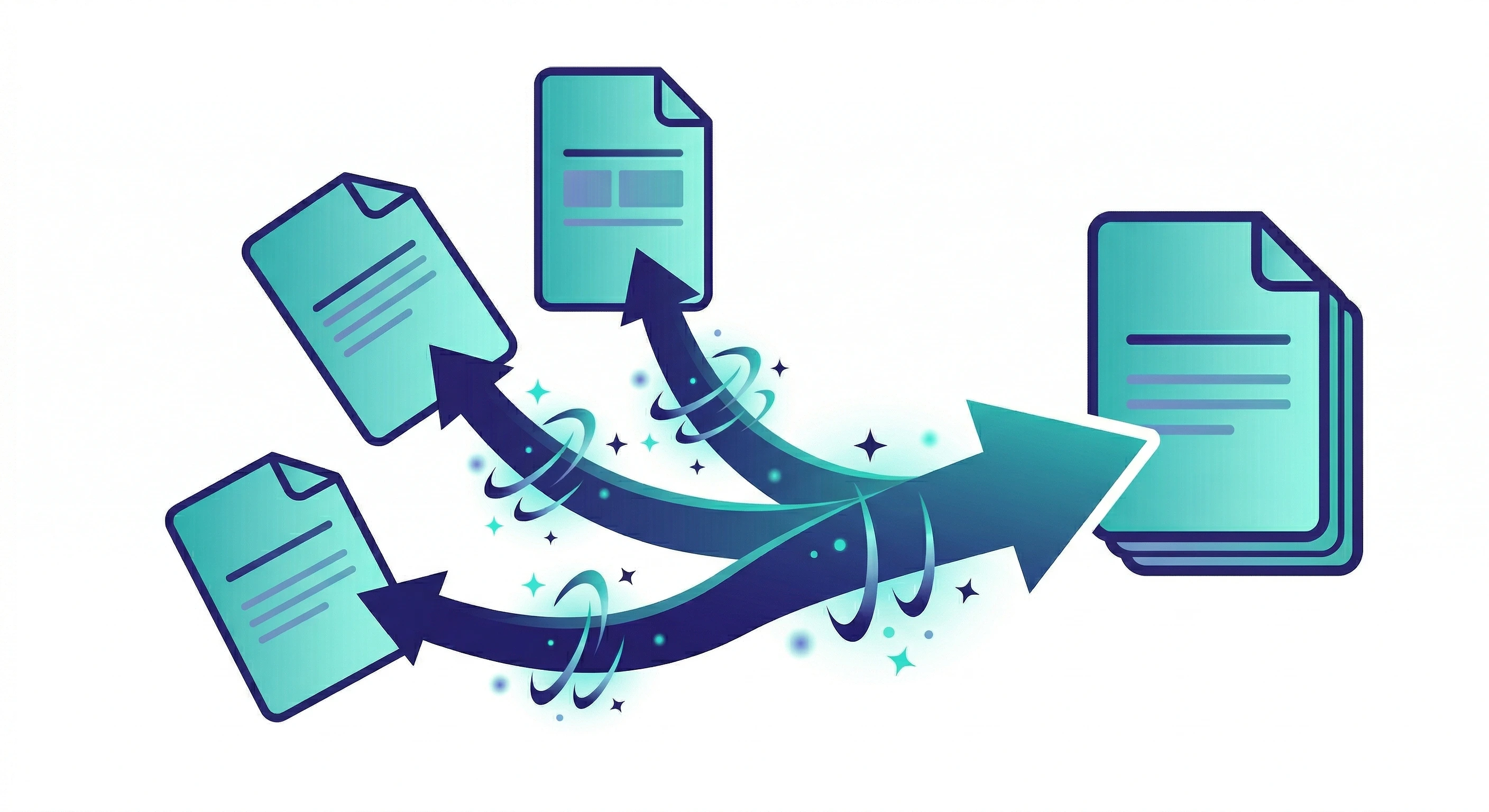
College reports, government form submissions and job applications all need multiple PDFs combined into one file. This guide shows you how to merge PDF files free online in three steps — no Adobe, no account, works on any phone or desktop.
How it works
No software, no account. Works for any number of PDF files on mobile or desktop.
Open Zappy Merge PDF
Go to zappy.tools/merge-pdf/ — works on any browser, mobile or desktop. No signup needed.
Upload and arrange your files
Upload all the PDFs you want to combine. Drag to reorder them in the exact sequence you need — cover page first, appendix last, or any order you choose.
Merge and download
Click Merge PDFs. Your combined file downloads instantly — no watermark, no page cap, no account required.
When you need it
Most portals and institutions require all supporting documents as a single PDF — not multiple separate attachments. Here are the most common situations:
Control the order
The order you upload files is the order they appear in the merged PDF. Zappy lets you drag and reorder files before merging — so you get complete control without any extra steps.
After merging
Merged PDFs are often larger than a portal's file size limit. If your combined file exceeds the limit, compress it before uploading.
Merge your PDFs
Use Zappy Merge PDF to combine all your files into one. Download the merged PDF.
Check the file size
Right-click the file → Properties (Windows) or Get Info (Mac) to see the exact size. Compare it to your portal's upload limit.
Compress if needed
If the merged PDF is too large, open Zappy Compress PDF, upload the file, set your target KB and download. Free, no signup, instant.
For India
Indian universities and government exam portals almost universally require a single combined PDF — not multiple separate attachments. For college project submissions, merge cover page, chapters and bibliography into one file before the deadline. For UPSC, SSC, IBPS and state government applications, combine your ID proof, address proof and certificates into one document before uploading.
After merging, most NIC-managed portals cap uploads at 200KB–500KB. Use Zappy Compress PDF to hit the exact size limit — free, same workflow, no account needed.
Common questions
Go to zappy.tools/merge-pdf/, upload your PDF files, drag to reorder and click Merge. Your combined PDF downloads instantly — no signup, no watermark.
Use Zappy Merge PDF — completely free, no Adobe Acrobat needed, no account. Upload, arrange, merge and download in seconds on any device.
Upload all chapter PDFs to Zappy Merge PDF, arrange them in order and click Merge. Your combined file downloads instantly — free, no watermark, works on mobile on submission day.
Merge all supporting documents using Zappy Merge PDF, then compress the output to the portal size limit using Zappy Compress PDF. Both tools are free, no signup.
Open zappy.tools/merge-pdf/ in Safari or Chrome on your phone. Upload from your Files app, drag to reorder and tap Merge. No app installation needed — works on Android and iPhone.
Yes. Zappy Merge PDF handles any number of files in one upload — no page caps, no file size limits, no watermark. Free with no account required.
Free, instant, no signup. Any number of files. Works on any device.
Merge PDF — free, no signup
Merge Free →