How to Remove Background from Image Free — No App, No Signup
Most background remover tools want a subscription, a credit, or an account just to download your result. Zappy doesn't. Upload your photo, the AI removes the background, you download a clean transparent PNG — done in under 30 seconds.
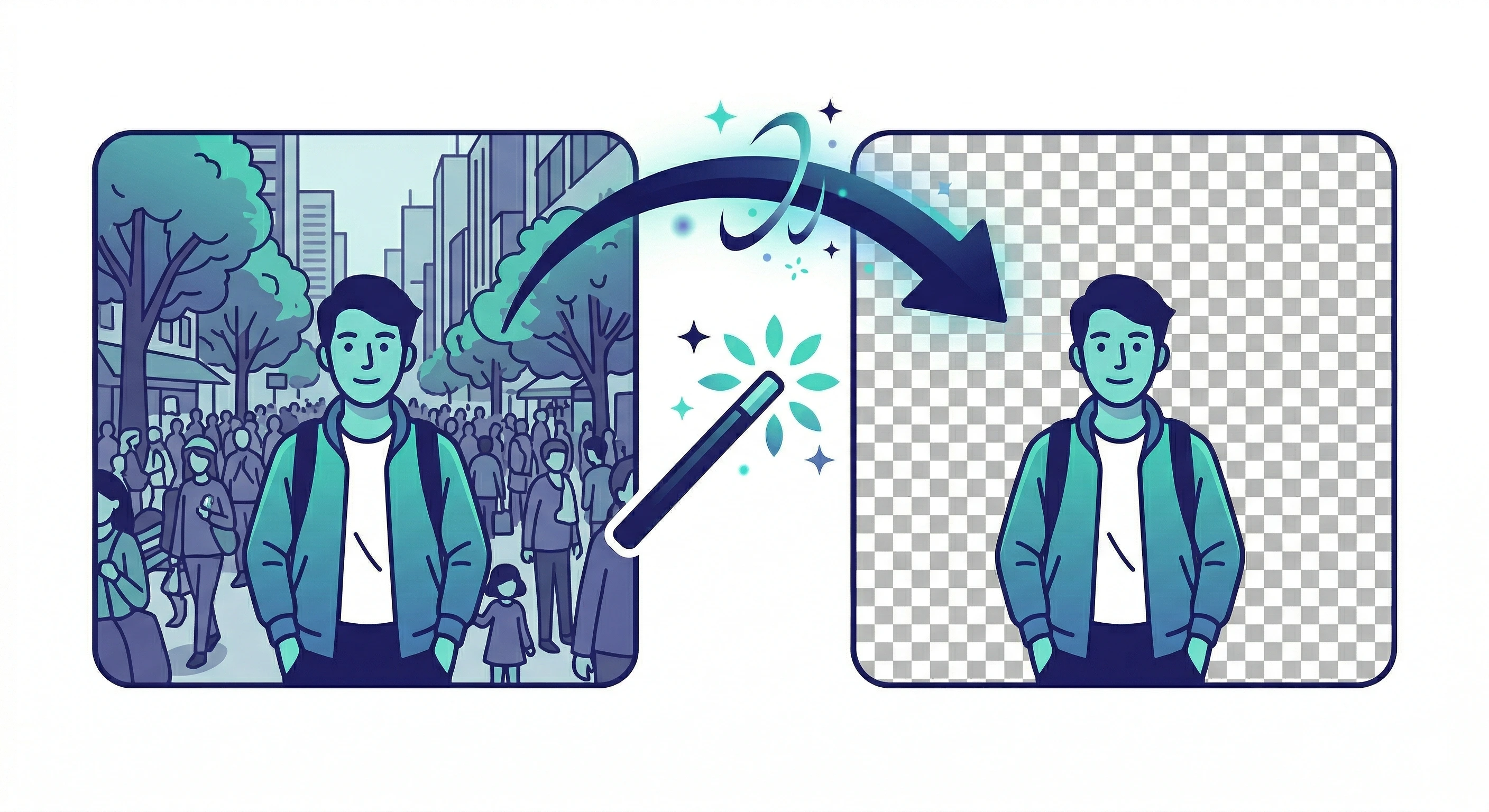
AI-powered · Transparent PNG · No watermark · No signup
How it works
Remove Image Background Free — 3 Steps
No Photoshop, no app install, no account. Here's the full process:
-
Open Zappy BG Remover
Go to zappy.tools/bg-remover/ — works on any browser, mobile or desktop. No signup needed.
-
Upload your image
Upload your JPG, PNG or WebP. The AI automatically detects the subject — person, product, logo or object — and separates it from the background.
-
Download your transparent PNG
Download with a transparent background — or set white/solid colour first. No watermark, no account, instant download.
What you can do with it
When People Use It
A transparent PNG works anywhere a regular image does — and more. Common use cases:
- → Product photos — white or transparent background for Amazon, Flipkart, Shopify and Meesho listings.
- → Passport and ID photos — replace any background with plain white for government applications.
- → LinkedIn and resume headshots — remove cluttered backgrounds and replace with a clean solid colour.
- → Presentations and documents — paste cutout images into PowerPoint or Google Slides without a white box.
- → Logos and graphics — remove white or solid backgrounds from logos to get a clean transparent PNG.
For India
Passport Photos and Government Portals
Remove background for passport photo, UPSC, SSC and Aadhaar
Many Indian government portals require a photo with a plain white background. If your photo has a coloured wall, furniture or shadows behind you, Zappy removes it and lets you set white as the background before downloading — no studio visit needed.
Accepted for passport applications, visa forms, college admissions and any portal that requires a formal photo upload.
On mobile
Works on iPhone and Android — No App Needed
Open zappy.tools/bg-remover/ in Safari or Chrome on your phone. Tap Upload, pick your photo from Camera Roll or Gallery, and download the result directly to your device.
-
Use Zappy in Safari or Chrome (all iPhones)
Open zappy.tools/bg-remover/, upload from Camera Roll, download the transparent PNG. Works on iPhone 11 and newer. No app install required at any step.
-
iPhone built-in (iOS 16+)
Long-press any photo in the Photos app — iOS copies just the subject. Useful for quick pastes, but doesn't give you a downloadable PNG file. Use Zappy when you need a proper file to save or upload.
Common questions
Frequently Asked Questions
Can I remove background from image free without signing up?
Yes. Zappy requires no account at any step — upload, process and download are all completely free with no login.
Does it work on product photos and logos?
Yes. The AI detects people, products, objects and logos. Results are cleanest when the subject has clear contrast against the background.
What file format do I get?
Your download is a PNG with a transparent background. You can open it in any image editor, presentation app or design tool. If you need white background, set it inside Zappy before downloading.
How do I remove background for a passport photo in India?
Upload your photo to Zappy BG Remover, let the AI remove the background, then set a plain white background before downloading. Accepted for passport, UPSC, SSC, Aadhaar-linked and visa applications.
Ready to remove your image background?
Free, instant, no signup. Works on any device.
AI Background Remover — free, no signup
Try it free →